How to Handle Shopify Order Changes and Cancellations
Change requests get more expensive with every step of fulfilment. Set a change window, word it, and reply to requests inside it and outside it.
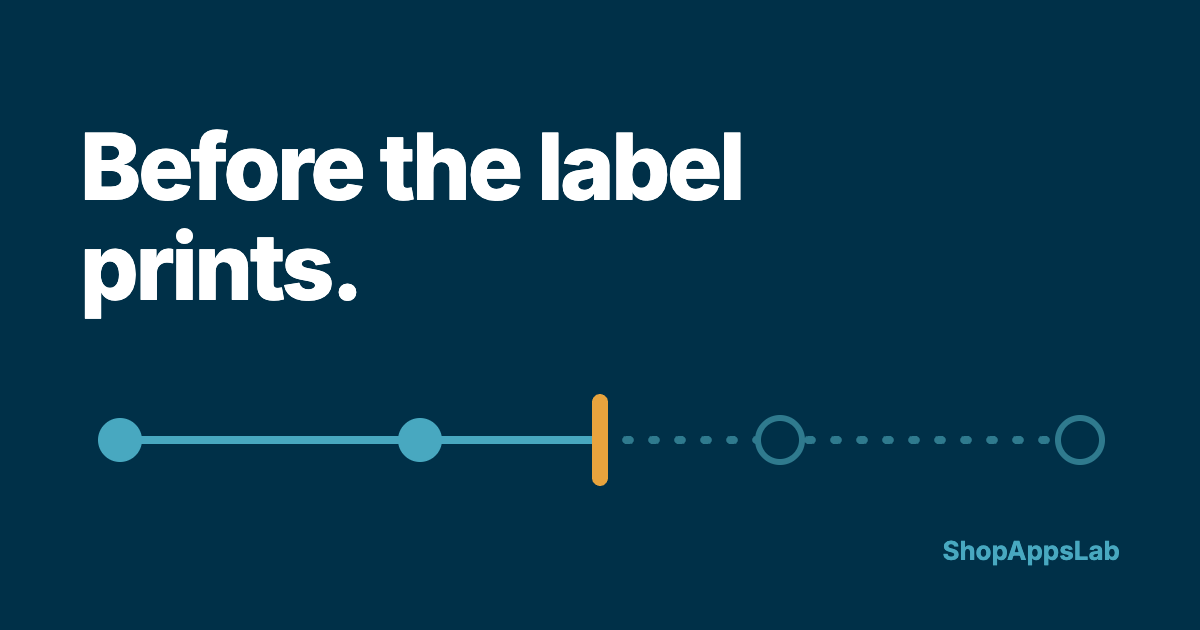
The message usually arrives within an hour of the order:
Hi — I just ordered and picked the wrong size. Can I change it to a medium?
Or the worse version: “I put my old address in.”
Most support email can wait a few hours without getting more expensive. This one cannot. A change request is cheap to say yes to while the order is sitting unpacked, and it gets more expensive at every step after that, until saying yes means a return, a second shipment and a refund. So the useful question is not whether you allow changes. It is until when — and whether your customer knows.
Here is how to set that window, word it, and handle the requests that arrive inside it and outside it.
Every change request is a race against fulfilment
Picture what a “can I change it?” message costs at each stage of an ordinary order:
- Not yet packed — you edit the order and carry on. A minute of work
- Packed, no label yet — you open the box and repack it. Annoying, still cheap
- Label bought — the label has to be voided and a new one bought, and the parcel repacked
- With the carrier — you can no longer change it yourself. An address might be redirected by the carrier, at their discretion and often for a fee; a size cannot be changed at all. What is left is a return and a new order
The request is the same sentence at every stage. What changes is how far the order has travelled when you read it. That is why the policy is really a time window, and why how fast you see these messages matters more here than for almost any other kind of email.
Pick a window you can keep on your busiest day
The window should come from how you actually work, not from what sounds generous. If you pack every morning, “until we start packing the next morning” is a promise you can keep. If you pack as orders come in, it might only be an hour or two.
Two rules make it honest:
- Choose the number for your busiest week, not a quiet one. A window you miss produces two messages — the request and the complaint when the wrong item arrives
- Tie it to your dispatch cutoff. If your shipping policy already says orders before a set time go out the same day, the change window has to close before that time, not after it
Then put it where the buyer will see it at the moment they realise the mistake — which is almost always while reading the order confirmation email:
Need to change something? Reply to this email within {window} of ordering and we will update it before it is packed. After that, it may already be on its way to you.
One sentence, and it does three jobs: it tells people changes are possible, it tells them how to ask, and it tells them that waiting until tomorrow is a bad idea.
The four kinds of change, and what each one needs
Not every change request is the same problem. They fall into four kinds, and each has its own trap.
1. A different delivery address
The highest-stakes one, because getting it wrong does not cost you a return — it costs you a parcel. A wrong address is how an order turns into “where is my order?” a week later with no good answer.
Ask for the complete new address in one message, including postcode, and paste it back to the customer when you confirm. In Shopify admin you can edit the shipping address on an order that has not been fulfilled yet. Once it has shipped, do not promise a redirect — whether one is possible depends on the carrier.
2. A different size, colour or item
Before fulfilment, Shopify lets you edit the order itself — swap items or change quantities — and collect or refund the difference. After it ships, this is no longer a change request. It is a return or an exchange, and it should follow whatever your return policy already says, rather than a special arrangement made in an email thread.
3. “Can I add something?”
Often the simplest answer is a second order. Decide in advance whether you will pack the two together and refund the extra shipping — and only offer it if you can do it reliably, because a promise to combine parcels is one more thing to remember on a busy packing morning.
4. Cancel the whole order
Before fulfilment, cancel and refund it from the order page, and restock the items so they can sell again. Depending on your payment provider, the processing fee on the original charge may not come back to you — worth knowing before you decide whether cancellation is free for the customer. After the order ships, a cancellation is a return, with everything that involves.
Make the request arrive complete
Half the time lost on change requests is the back-and-forth to find out what the customer actually wants. Ask for everything in one go. If a message arrives without the details, this reply gets them on the next turn:
Hi {first name},
Happy to help — I can still change this as long as it has not been packed. Could you reply with your order number and exactly what should change: the new size or item, or the full new address including postcode?
— {your name}, {store name}
And when it is done, confirm the change in writing, with the detail repeated back, so a typo is caught by the person who knows the right answer:
Hi {first name},
Done — order #{number} will now ship to: {new address}. If anything in that address looks wrong, reply before {packing time} and I will fix it.
— {your name}, {store name}
When the answer has to be no
Some requests arrive too late. The kind version of no is a fast one: a clear “no” an hour after the request is better service than a “yes, maybe” two days later, when the parcel has moved anyway.
Hi {first name},
I am sorry — order #{number} left us on {day} and is already with the carrier, so I cannot change it from here. Here is what I can do instead: {option — for example, the return steps for a different size, or the carrier’s contact details for a delivery change}.
— {your name}, {store name}
Always end with what is possible. A refusal with a next step reads as help; a refusal on its own reads as a store that stopped caring once it was paid.
The habit that makes the window work
None of the above helps if the request is read after the parcel is sealed. Two small habits close that gap:
- Check for change and cancellation requests before you start packing. Not the whole inbox — just those. It is the one category where reading order matters
- Mark the order while a request is open. A tag or a note on the order in Shopify, such as “change requested — do not pack”, stops it being picked while you wait for the customer to reply
This is also why it helps to clear the routine messages out of the way. When “where is my order?” and “how long does shipping take?” are answered somewhere else, the few messages with a deadline are easier to spot in time. We went through how to sort a week of messages into buckets in the five emails you answer over and over.
Where we come in, briefly. Order Genie is the AI Order Agent we build at ShopAppsLab. It sits on your storefront, looks the order up in your store, and answers “where is my order?” — plus the shipping, returns and FAQ questions that tend to follow it — 24/7, without you in the loop. When a message is a decision rather than a lookup — a refund, an address change, a parcel that is actually lost — the conversation is handed to you with the full transcript. Change and cancellation requests are exactly that kind of message, so they still come to you; the point is that fewer routine ones are queued in front of them. It starts free with 25 conversations a month, and paid plans begin at $29. Everything above works without it — that is the honest version.
If you do one thing this week
Add the change-window sentence to your order confirmation email, and check for change requests before you pack each day.
The first tells customers how long they have. The second makes sure you are still able to say yes when they use it.